
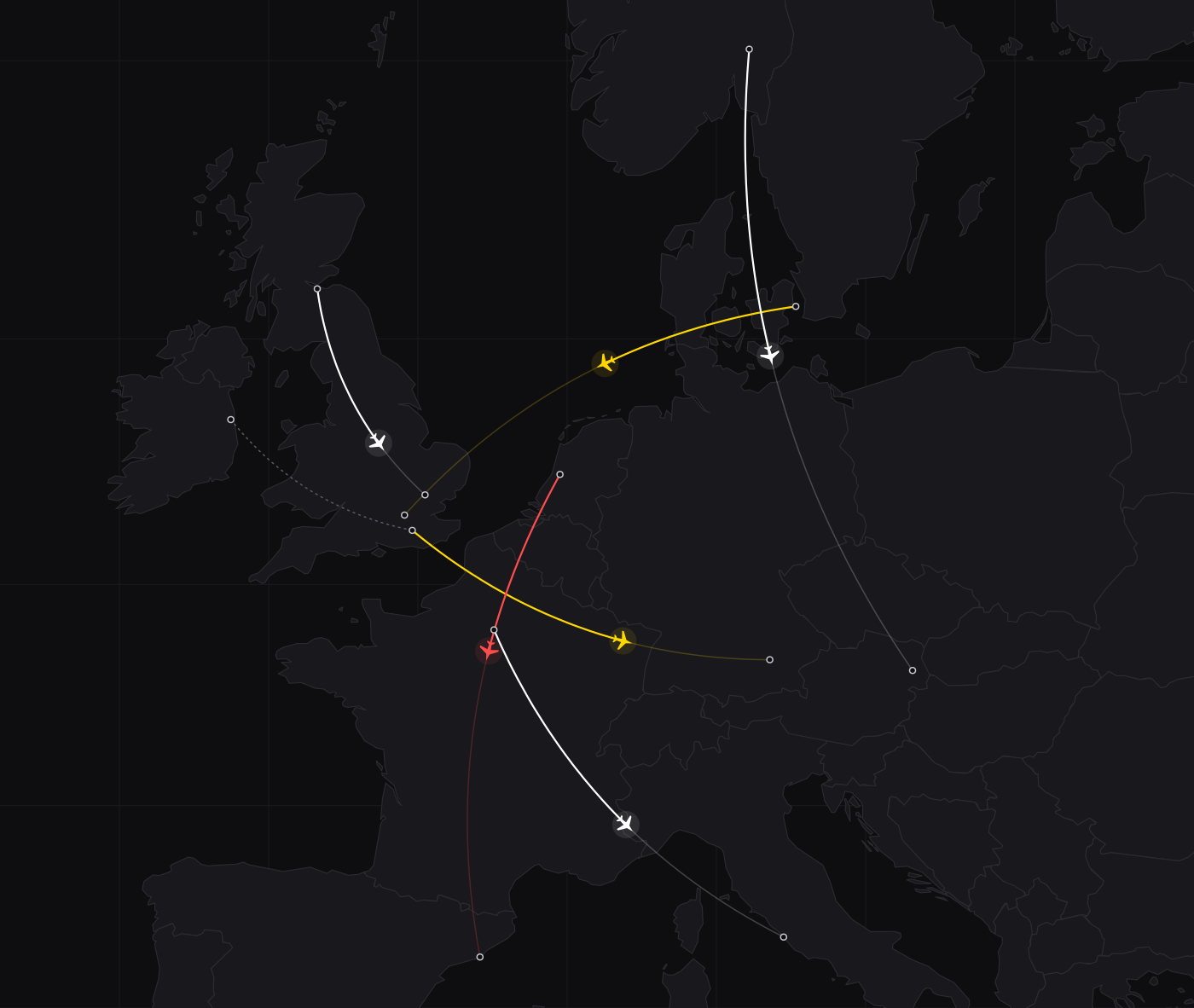
Before you fly
Build a real day of flying.
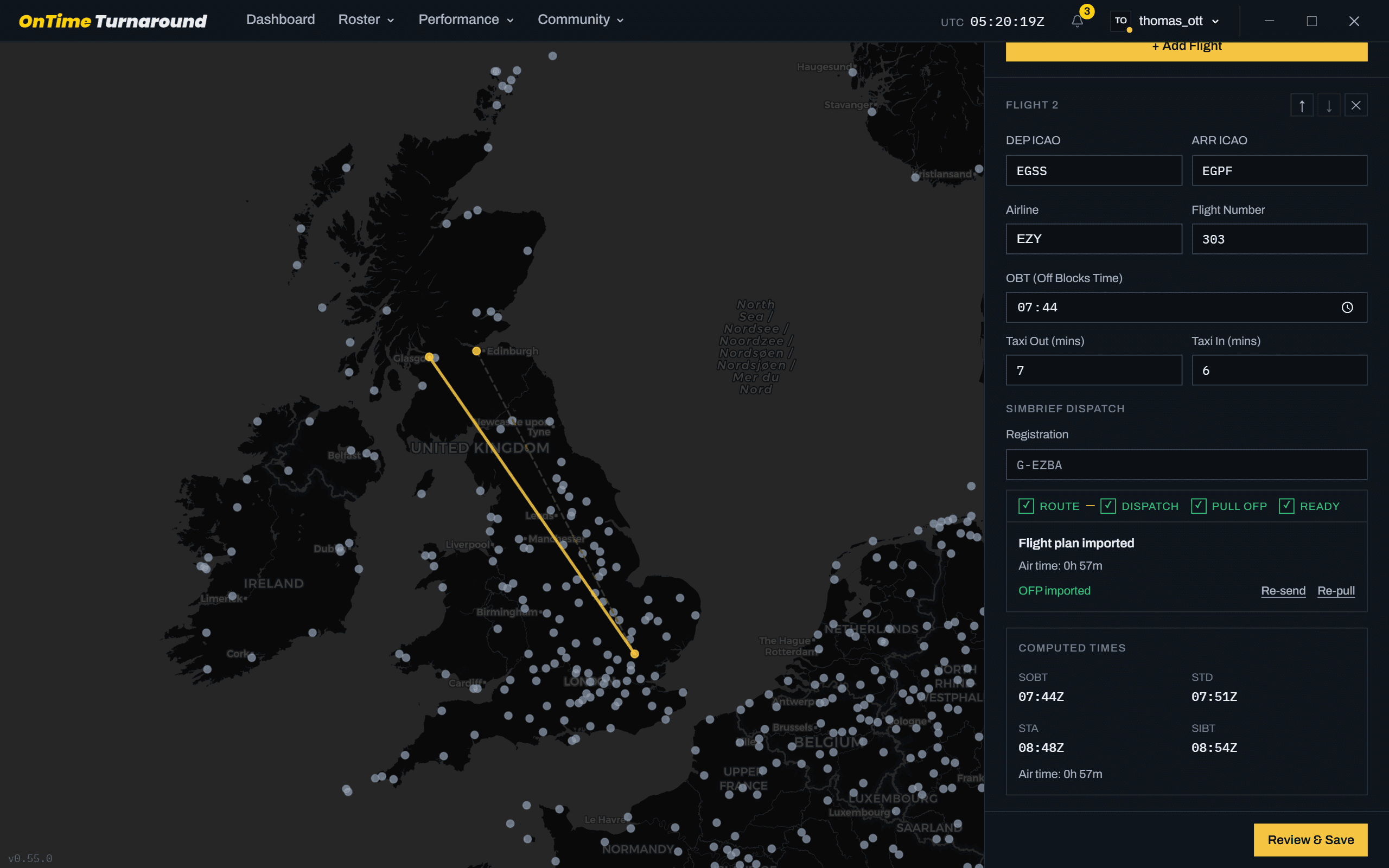
Import legs from SimBrief or a real airline schedule, as many as you like. Each leg gets its own flight plan, and the next one is generated while you’re still on the last.
A Windows companion app for MSFS 2020, MSFS 2024 and X-Plane 12. It times your airline day block to block, and every late minute follows you to the next leg.
On your phone? Email yourself the link for your PC. Or join us on Discord.
Doesn't work on your setup and we can't fix it? Full refund.
One-time purchase · No subscription · Nothing else to buy
174 legs flown in the last 7 days · 42 pilots
Land late, turn fast, and see if you can win it back before the next push.
Example day
+18
Late off the gate at Dublin.
+4
Still behind leaving Gatwick.
0
Back on time by Munich.
OnTime Turnaround is a desktop app that sits beside the sim and runs your day like an airline would.
Before you fly
Import legs from SimBrief or a real airline schedule, as many as you like. Each leg gets its own flight plan, and the next one is generated while you’re still on the last.
In the air
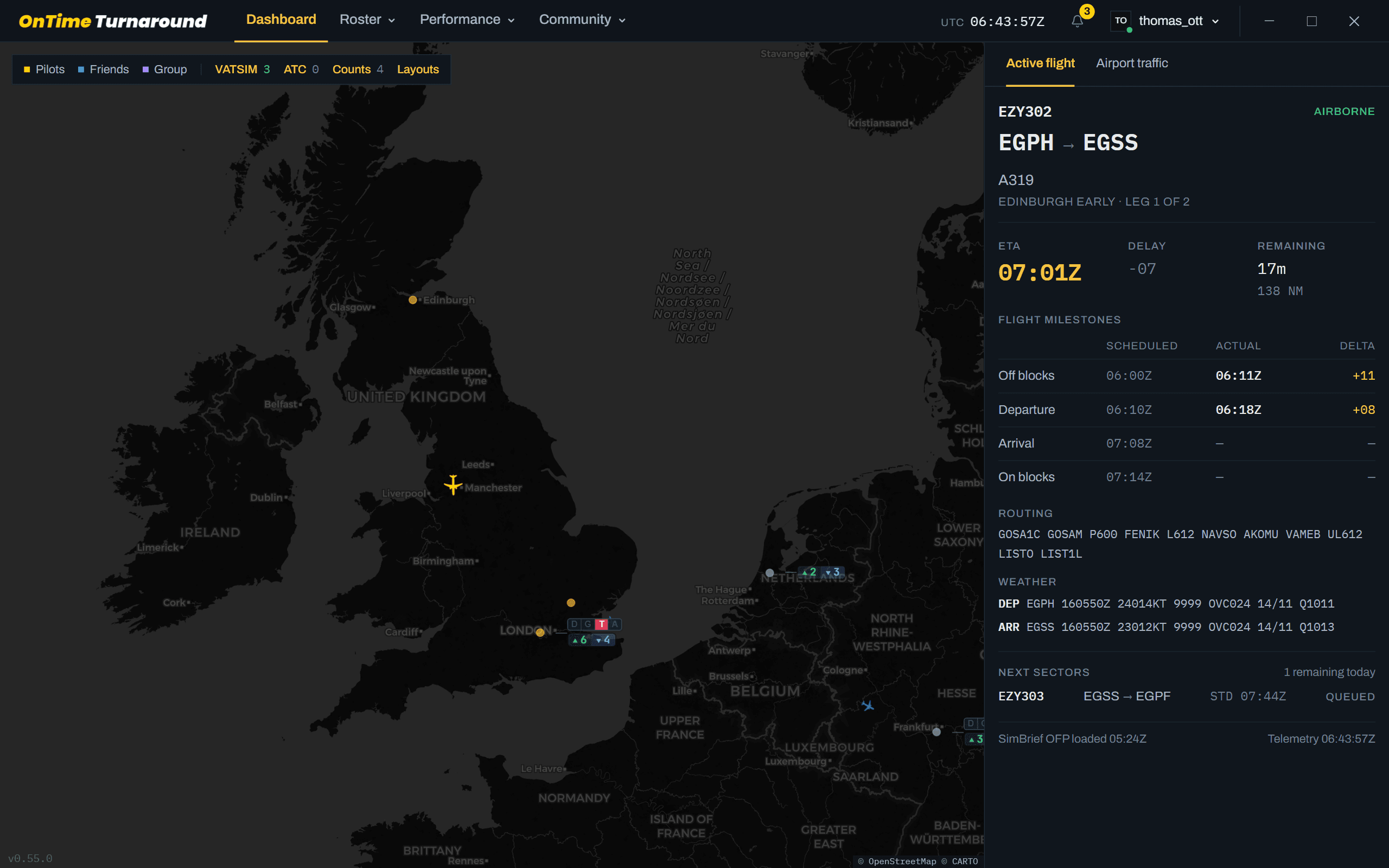
The app reads the sim ten times a second. Off blocks, wheels up, touchdown and on blocks are recorded for you, so you can’t forget to press anything.
On the ground
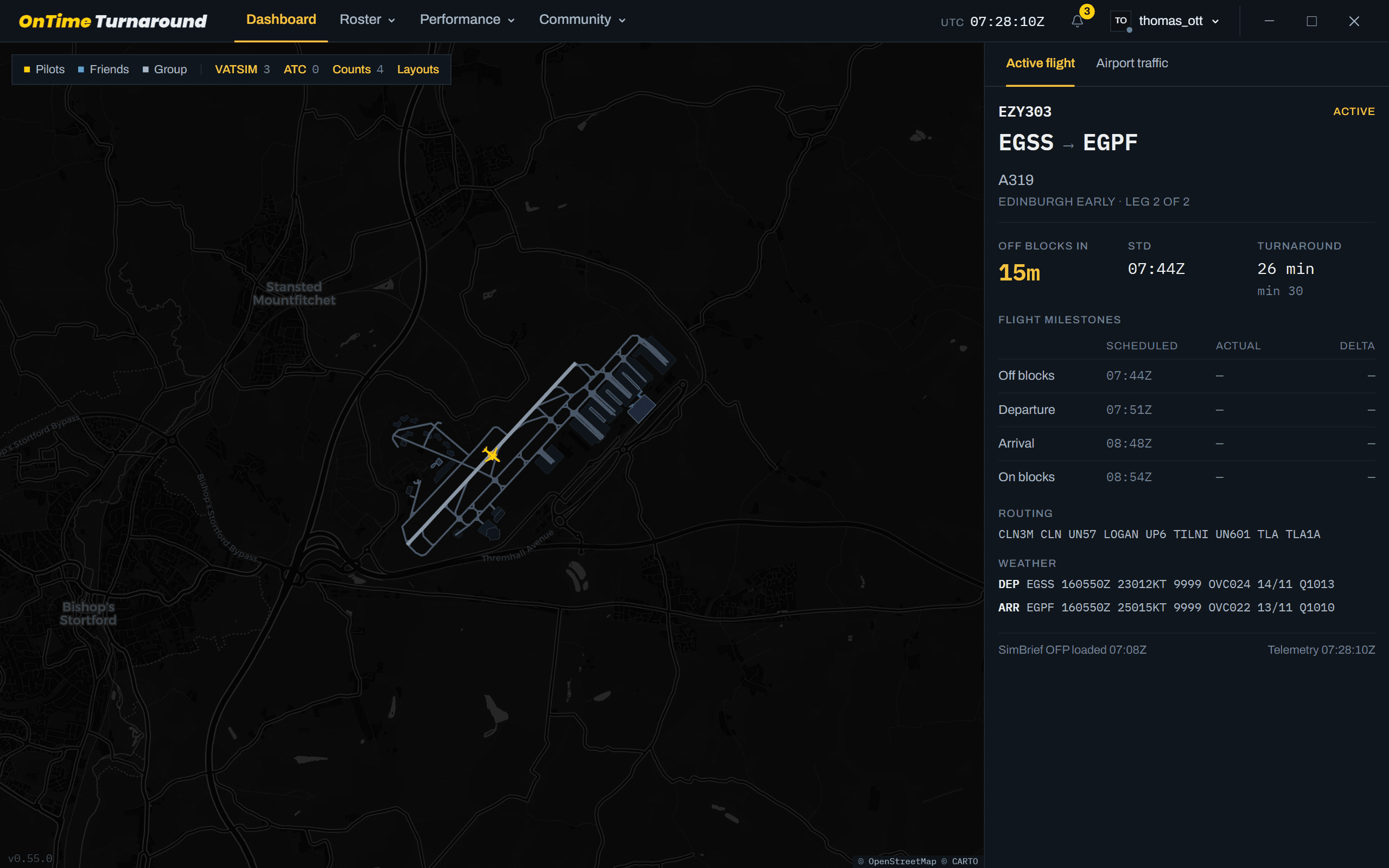
Pick how much ground time you get, from an easy 40 minutes down to an extreme 20. Arrive late and the clock gets tighter. Harder tiers earn up to 15% more points.
After landing
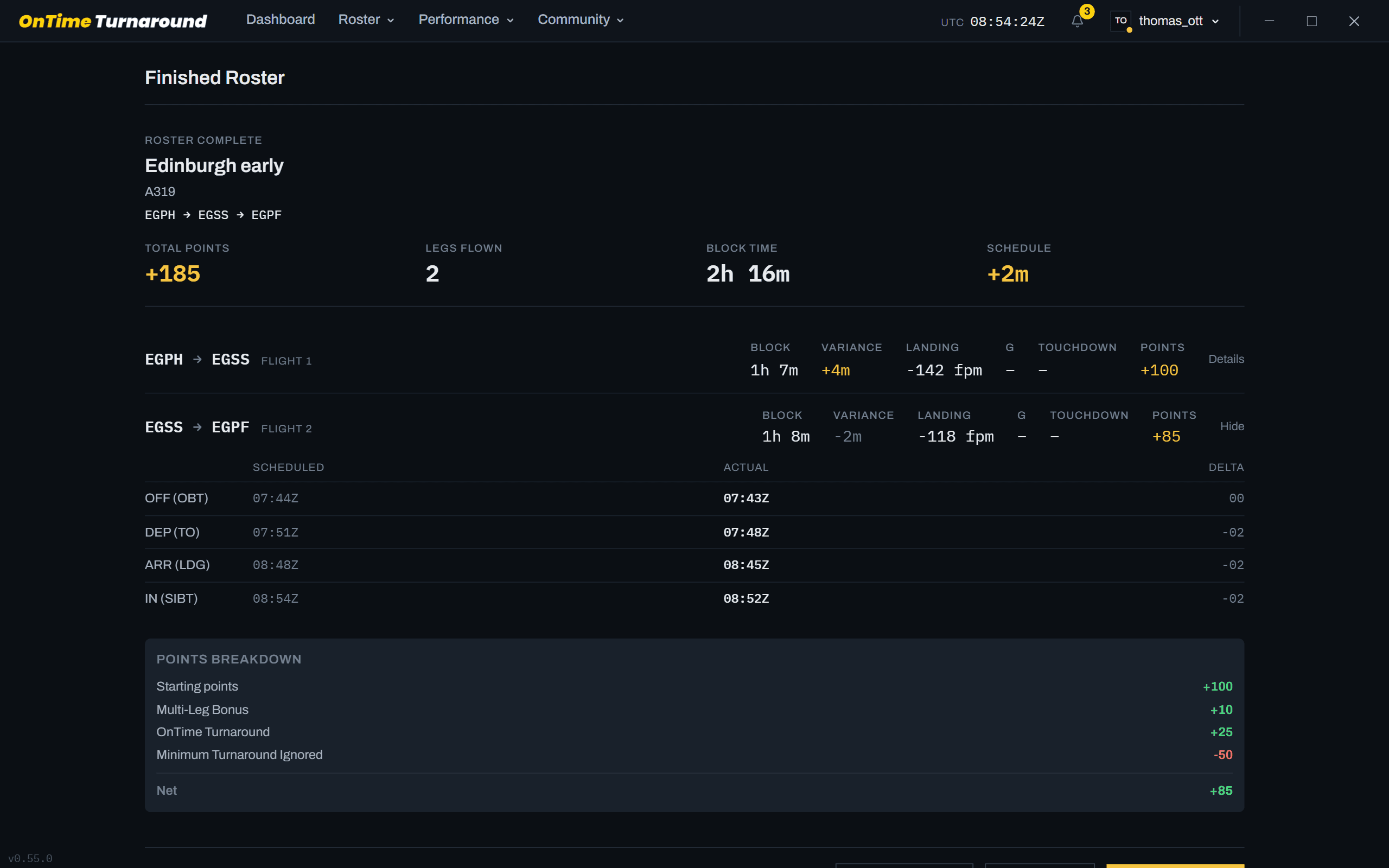
Every leg is scored against its schedule on off blocks, departure, arrival and on blocks. Points for holding the line, penalties when the day gets away from you.
With others
Every pilot appears on the live map, coloured by how late they’re running. Add friends, fly as a group, and see who else is holding into Munich.
Open the live mapOne download. MSFS connects through SimConnect, nothing else to install.
Pull your legs from SimBrief and pick a turnaround tier.
Load the sim and go. The app takes care of the rest.
Streamers and YouTubers running full OnTime days, delays and all.
See all creators · Make content? Get in touch about the creator programme
Microsoft Flight Simulator 2020, Microsoft Flight Simulator 2024 and X-Plane 12. One licence covers all of them, so you can move between simulators without buying anything again. OnTime Turnaround is a Windows desktop app and runs on the same PC as your simulator.
No. OnTime Turnaround reads your simulator through SimConnect, which is already built into MSFS, and the bridge that does the reading is bundled with the app. There is nothing extra to buy and nothing extra to install. If you would rather it read FSUIPC7, you can switch the data source in the app's settings. X-Plane 12 connects through XPUIPC. The setup guides walk through both, step by step.
No. It is a one-time purchase and the licence is yours for good.
No. A single flight is timed, scored and logged exactly like a full duty day, and it counts towards your rank. Open Simple Flight, bring in your flight plan and go. A multi-sector day simply earns more points, it is not the only way to fly.
No. There is no gating, no checkrides and nothing to unlock. Fly any aircraft, any airline and any route you like, from day one.
No, but it makes life easier.
Every leg starts from a base score. You earn on top of it for going off blocks on schedule, for each extra sector in the day, for long sectors, and for flying a harder turnaround tier. You lose points for rough operating: stalls, overspeeds, steep pitch or bank, heavy landings, lights not set, taxiing too fast, pausing or slewing in flight, and for ignoring your minimum turnaround. A leg can never drop below zero, so a bad flight costs you that leg and never the points you have already banked. Points carry into your rank, from Jnr First Officer up to Training Captain.
No. You fly your own simulator, on your own. What is shared is everything around the flying: global leaderboards, community events, and Groups, where you and your friends compare rosters, scores and stats. Groups is not multiplayer and does not put you in the same sky.
Yes. OnTime Turnaround is server backed: your rosters, logbook, scores, events and leaderboards live on your account rather than on one PC. You need a broadband connection to sign in and to fly a scored leg. It is also what lets you move to another machine with your whole history intact.
No. OnTime Turnaround only reads from the simulator. It never flies the aircraft, never writes anything back, and installs nothing into your simulator folders. It sits alongside your aircraft, scenery and utilities, and runs happily with VATSIM, IVAO and cabin or crew add-ons.
OTT Now comes with an X-Plane plugin built in, so all you do is click install from inside your settings.
Something not answered here? Ask in the Discord and you'll usually get a reply the same day.
Get help on DiscordEvery update included. No subscription.
Doesn't work on your setup and we can't fix it? Full refund.
OnTime Turnaround · €22.99 once


