
Desktop app for Windows
OnTime Kitbag
This is the app itself, and it is free. OnTime Turnaround is a paid addon that runs inside it later, if you want a full airline day. Read about the addon.
You fly. It writes down what happened.
OnTime Kitbag sits beside the simulator and records every flight you fly. Off blocks, wheels up, touchdown and on blocks are read from the sim while you fly, and each leg lands in a logbook you never have to type into.
Works with
- MSFS 2024
- SimConnect, built in
- MSFS 2020
- SimConnect, built in
- X-Plane 12
- OnTime plugin, installed for you
- Prepar3D
- FSUIPC
One licence covers every one of them. Kitbag reads from the simulator and installs nothing into its folders, apart from the X-Plane plugin, which it puts in place for you from Settings.
What it does.
Nothing to press
Kitbag reads the simulator ten times a second and works out the milestones itself. There is no timer to start and no form to fill in when you land.
Your plan, already filled in
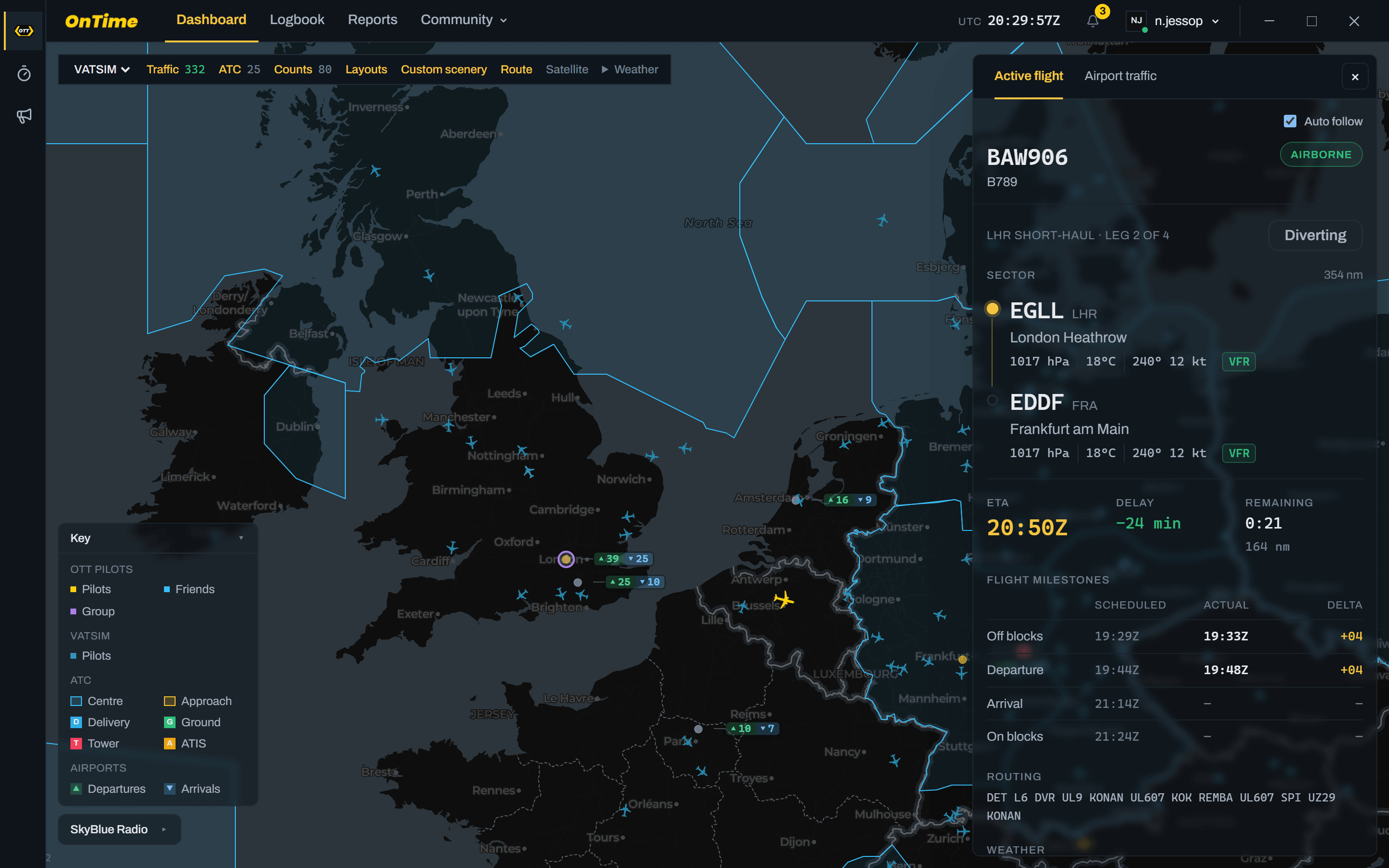
Pull your latest SimBrief plan and the route, aircraft and registration fill themselves in. Everyone on the live map can then see where you are going.
A logbook that writes itself
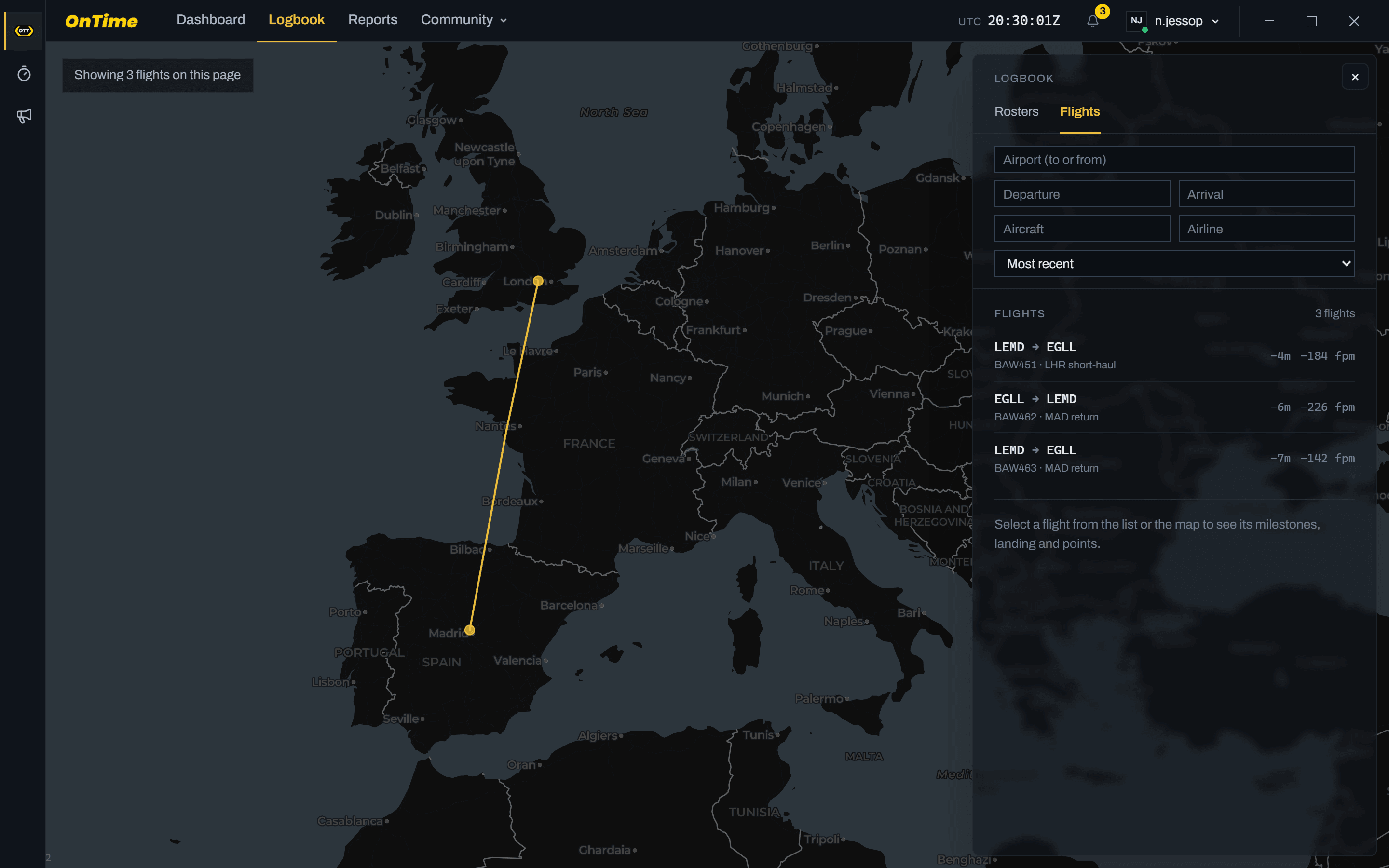
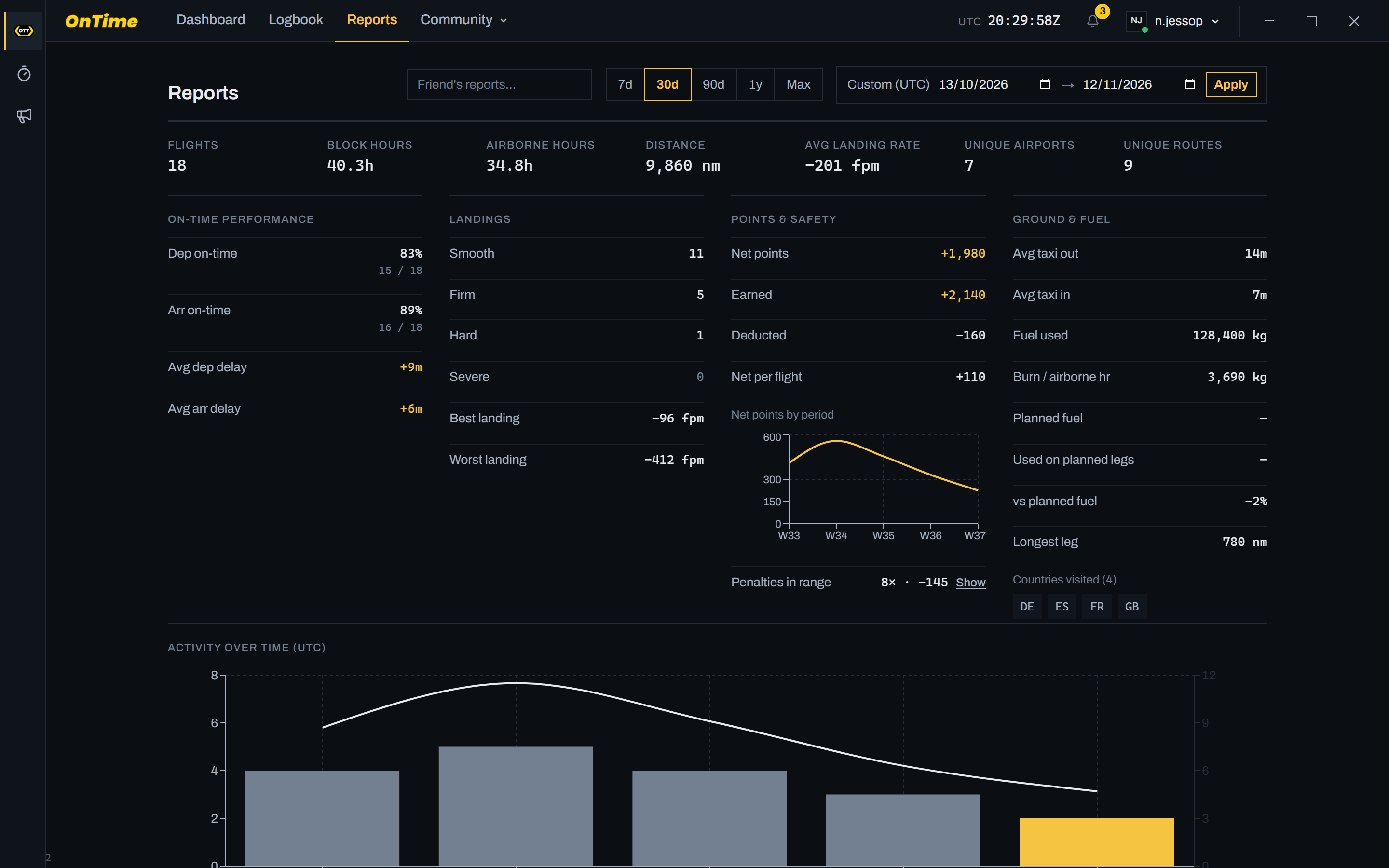
Every leg arrives with its route, block time, landing rate and touchdown point, ready to filter, map and look back through.
You are not flying alone
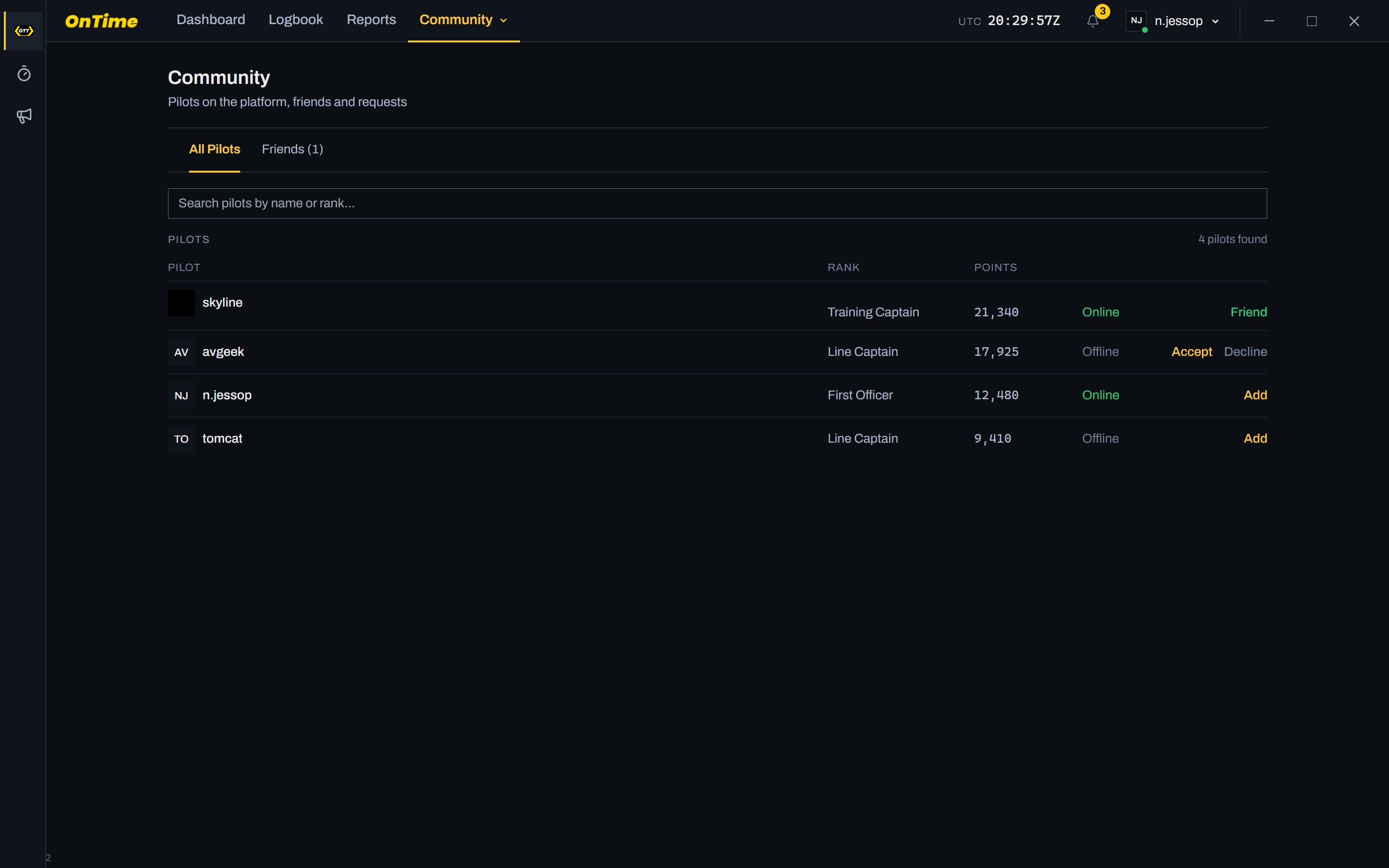
Every pilot in the air shows on the live map with the flight they are on. Add friends, fly as a group, and see who else is inbound.
A look at it.
Getting started.
Five steps, about five minutes, and nothing to pay at any point.
- 1Create a free accountAn email address and a password. Nothing to pay and no card to enter.
- 2Download the installerIt is on your dashboard the moment you are signed in. Windows 10 or 11.
- 3Run it and sign inSign in with the same account. Anything you own unlocks on its own, so there is no key to type.
- 4Start your simulatorKitbag finds it by itself. X-Plane 12 needs a plugin, which Kitbag installs for you from Settings.
- 5FlyThat is the whole setup. Your first flight appears in the logbook as soon as you are back on blocks.
System requirements.
| Component | Minimum | Recommended |
|---|---|---|
| Operating system | Windows 10 64-bit | Windows 11 64-bit |
| Simulator | MSFS 2020, MSFS 2024, X-Plane 12, P3D or FSX | MSFS 2024 or X-Plane 12 |
| Required add-on | None for MSFS or X-Plane 12. P3D and FSX connect through FSUIPC | None for MSFS or X-Plane 12. P3D and FSX connect through FSUIPC |
| Memory | 8 GB RAM (beyond the simulator) | 16 GB RAM |
| Disk space | 500 MB | 1 GB |
| Network | Broadband connection | Broadband connection |
MSFS 2020 and MSFS 2024 connect through SimConnect, which is built in, so there is nothing else to buy. X-Plane 12 connects through the OnTime plugin, which Kitbag installs for you from Settings. Prepar3D and FSX connect through FSUIPC. Other than that plugin, the app only reads from the sim and installs nothing into its folders. The setup guides walk through it step by step.
Get the updates.
What we are building, what just shipped, and the occasional offer. A few emails a year, never your address to anyone else, and you can unsubscribe from any of them.
We handle your address the way the privacy notice says, and every email has an unsubscribe link in it.